
Prerequisites
The app references macOS 26 SDK symbols (
NSGlassEffectView in the quick switcher), so an older Xcode cannot compile it. The deployment target stays at macOS 14.0 Sonoma, which is what the built app runs on, not what you build on.
Optional but recommended:
Quick Start
1
Clone the repository
2
Download native libraries
libs-v1 GitHub Release into Libs/: the macOS .a files (libmariadb, libpq, libduckdb, libmongoc, and others) and the iOS xcframeworks. About 257 MB downloaded, 620 MB on disk once expanded. Expect a minute or two.3
Create build config
4
Install tools
5
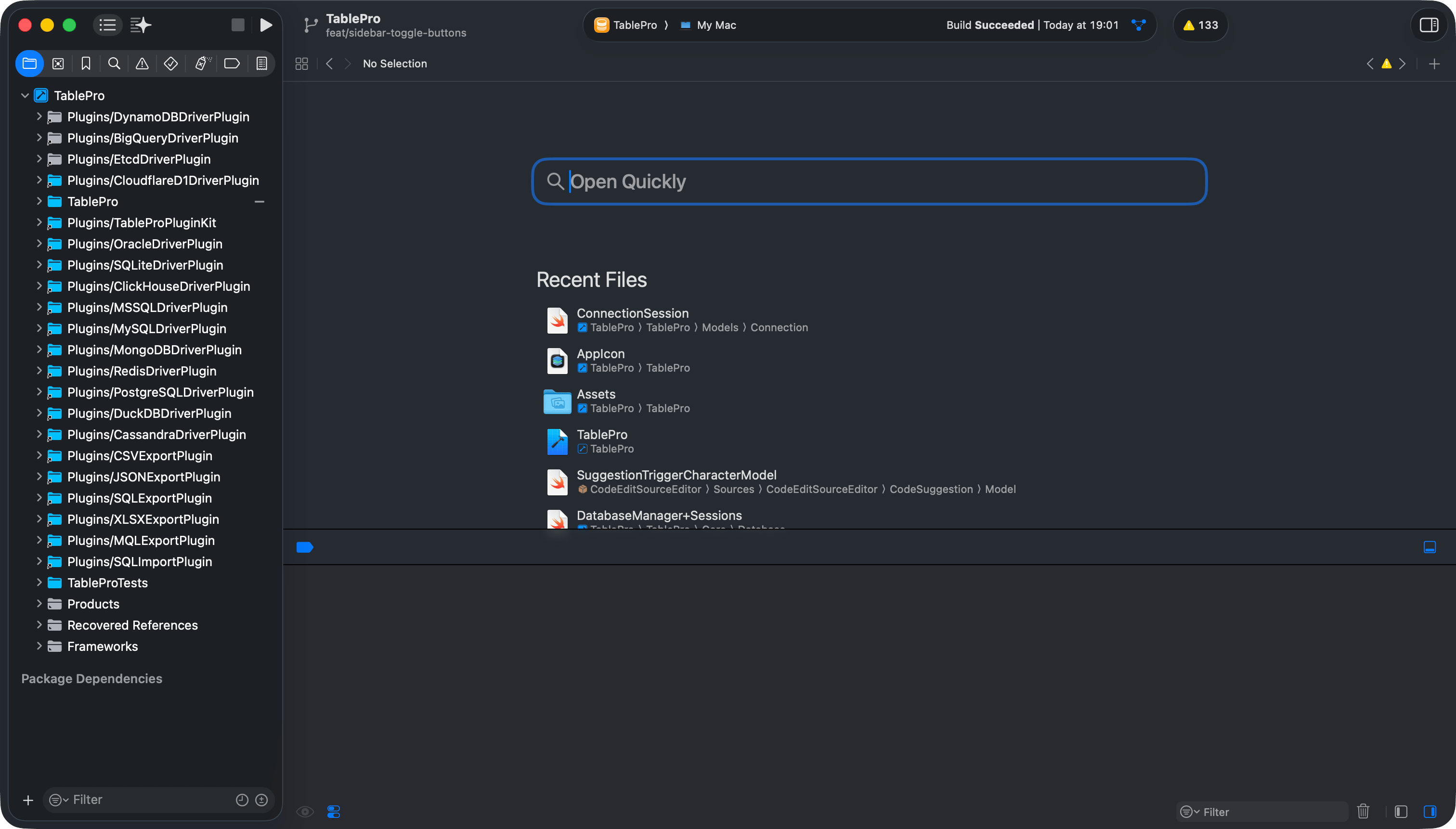
Open in Xcode
6
Configure signing
- Select the TablePro target
- Go to Signing & Capabilities, Debug sub-tab
- Change Team to your Apple Developer account (a free personal team works)
- Change the Bundle Identifier from
com.TableProto something unique, for examplecom.yourhandle.TablePro
TablePro.Debug.entitlements, which drops
the iCloud capability, so a free personal team can sign it without a paid
Apple Developer Program membership. If another target still shows a team
error (a driver plugin or the MCP server), set its Team the same way.Do not commit the resulting project.pbxproj changes; they break official
Release signing. Hide them locally:7
Build and run
Select the TablePro scheme, set destination to My Mac, press
Cmd+R.Or from the command line:Cmd+R writes the app to DerivedData
(~/Library/Developer/Xcode/DerivedData/TablePro-*/Build/Products/Debug). The
xcodebuild command above writes to build/Debug/TablePro.app inside the repo instead.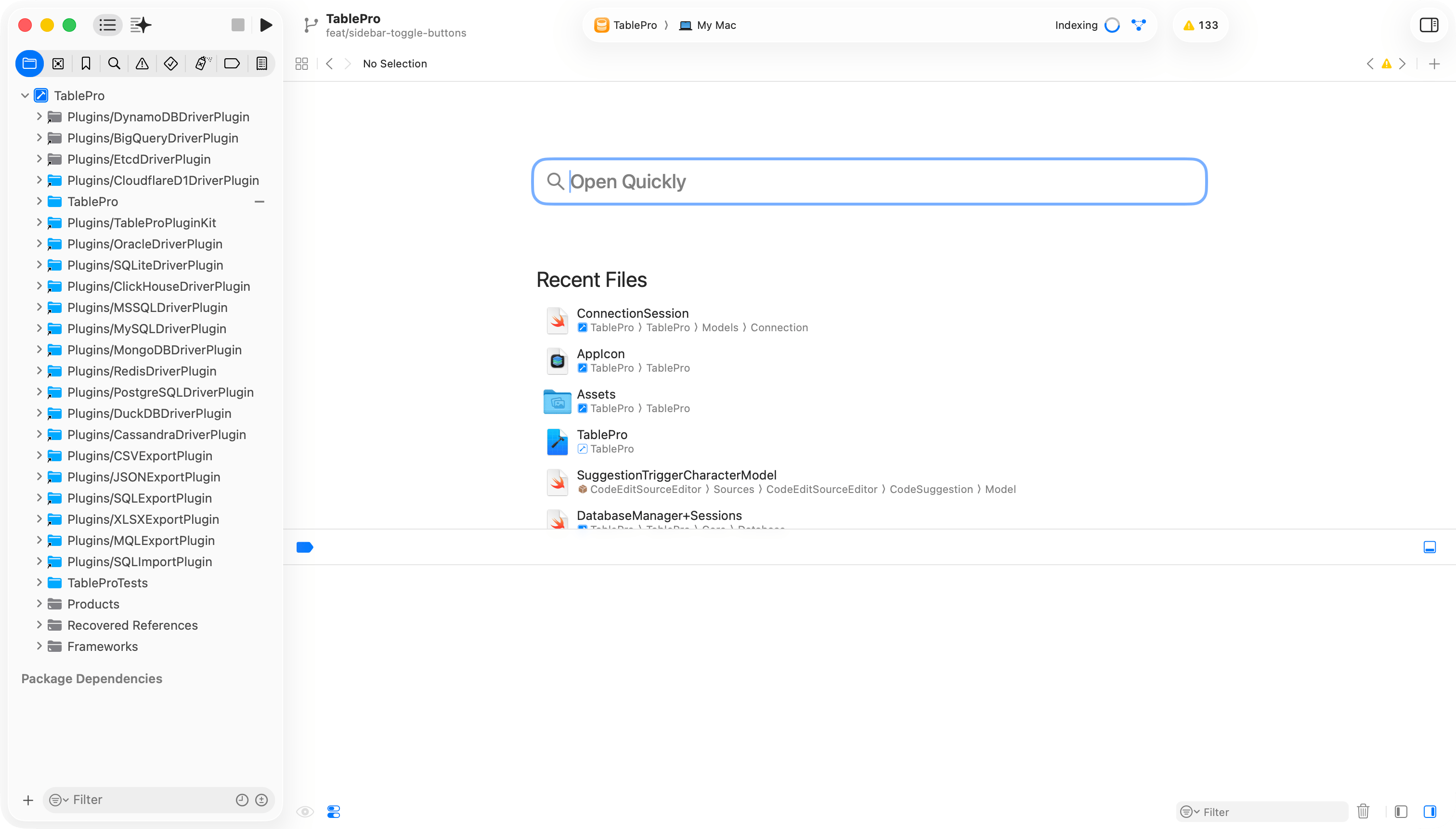
Xcode project setup
Project Structure
TablePro
Core
Views
Models
ViewModels
Extensions
Theme
Resources
Plugins
Packages
LocalPackages
Libs
TableProMobile
TableProTests
TableProUITests
docs
scripts
Packages/TableProCore/Sources/TableProPluginKit is a symlink to Plugins/TableProPluginKit. Edit the files under Plugins/ only.
Running Tests
Cmd+U. To run a single class or method, pass -only-testing:TableProTests/TestClassName or -only-testing:TableProTests/TestClassName/testMethodName.
Linting and Formatting
Before committing:swiftlint lint is not enough. Full tooling reference: Code Style.
Troubleshooting
Pass
-skipPackagePluginValidation on every xcodebuild invocation so the build does not stop on package plugin validation. scripts/build-release.sh, scripts/build-plugin.sh, scripts/check-pluginkit-abi.sh, and CI all pass it.